Virtual try-on for clothing stores: what actually works in 2026
Most shoppers buying clothes online are doing one thing before they add to basket: imagining the item on themselves. They look at the model, decide the model is not shaped like them, and guess. Some guess right. Some order two sizes. Some close the tab.
- Published
- Reading time
- 6 minutes
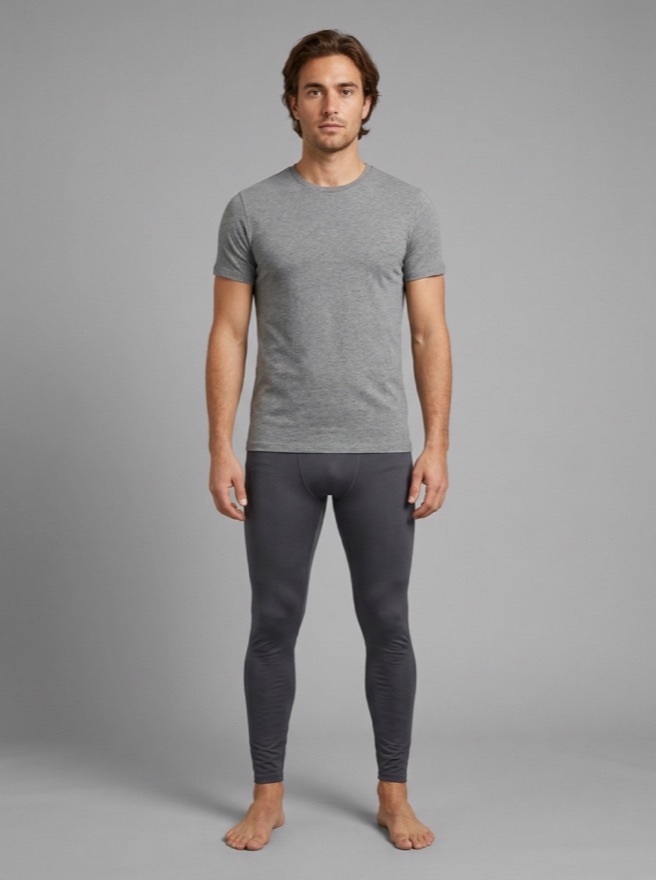 Original
Their photo
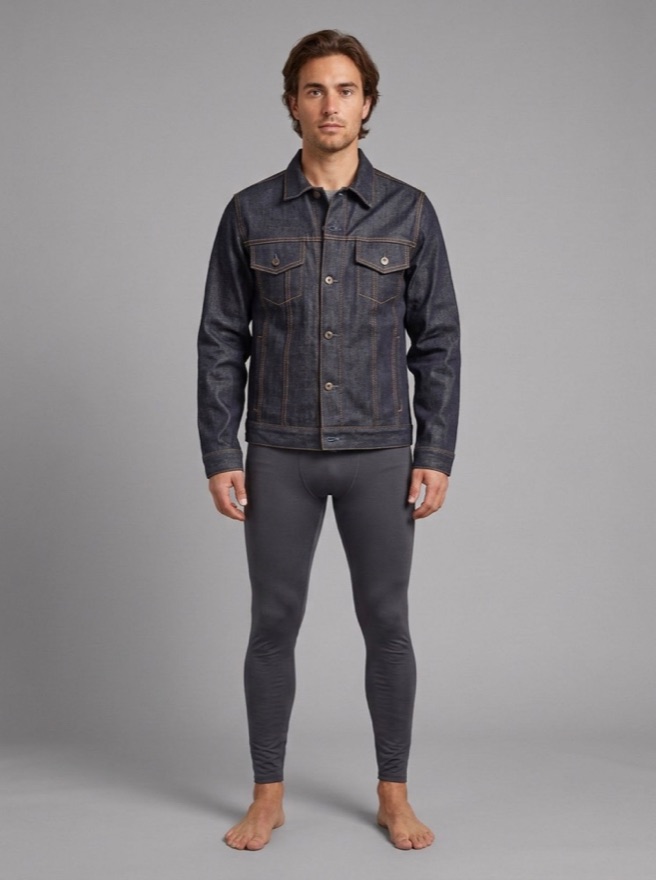
Denim jacket
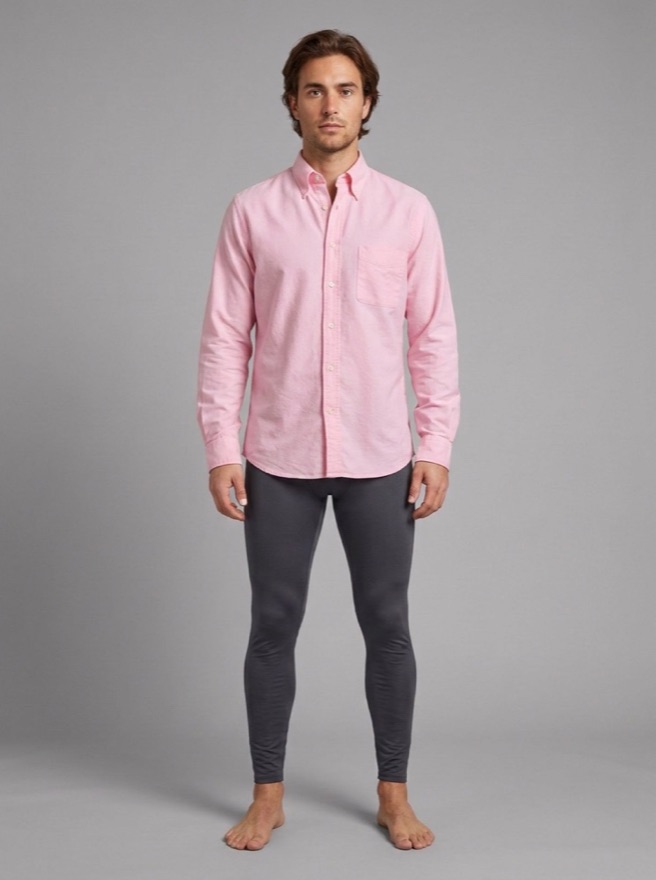
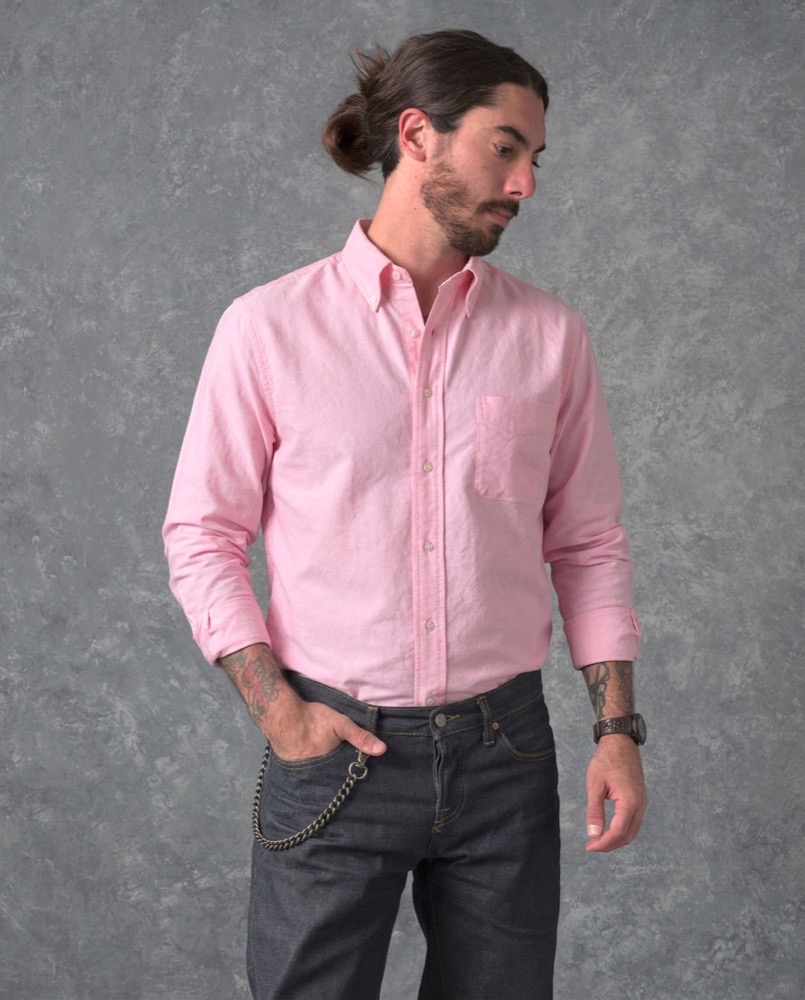
Oxford shirt
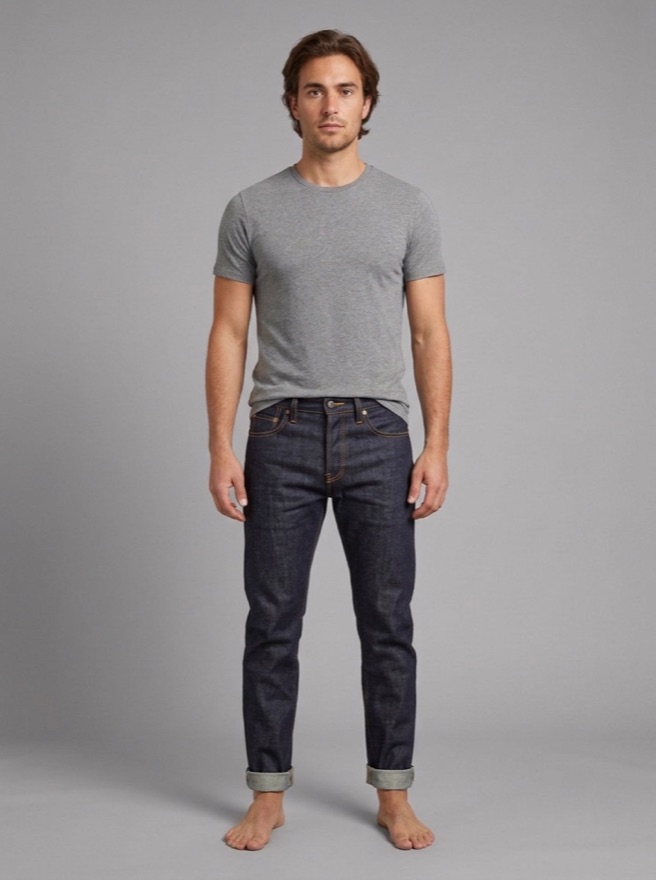
Raw denim jeans
Virtual try-on is an attempt to remove the guess by showing the garment on the shopper’s own photo. The idea is old. What has changed is that it finally works on ordinary photos taken in ordinary rooms, which is the only kind of photo a real customer will ever upload.
We spent several months testing approaches before building ours. This is what we found, including the parts that did not work.
What shoppers mean by “try before you buy online”
There are three quite different things sold under the same phrase, and it is worth separating them because they fail in different ways.
Size recommendation. No image at all. The shopper enters height, weight and usual size, and the store suggests one. Useful, cheap, and silent on the question the shopper actually asked, which is what it looks like.
Model swap. The garment is shown on a range of body types chosen by the store. Better than one model, still not the shopper.
True try-on. The shopper uploads a photo of themselves and sees the garment on that photo. This is the one people mean, and it is the hard one.
Only the third removes the guess. The rest narrow it.
The three ways to build true try-on
| Approach | How it works | Holds up on | Falls down on |
|---|---|---|---|
| Geometry in the browser | The shopper marks corners or a region; the garment is warped to fit and the room’s light is sampled | Flat, high-contrast surfaces | People. Bodies are not flat, and clothing drapes |
| Segmentation models | An algorithm traces the person and the garment boundary, then composites | Clean outlines, awkward shapes | Download size, processing time, and mistakes the shopper has to tap to fix |
| Generative image models | A model is given the shopper’s photo and the product and asked to produce the result | Nearly everything, including layered clothing | Running cost, and the need for guardrails so it changes only the product |
We built and tested all three. The first is free and instant, which is genuinely appealing until you point it at a person.
Where segmentation ran out of road
Segmentation was the approach we wanted to work. It is predictable, it does not invent anything, and you can reason about what it will do.
Running Meta’s Segment Anything model in the browser meant about a 30 MB download before a shopper saw anything. Moving it to a server removed the download and replaced it with a wait of roughly 8 to 95 seconds per photo, depending on the image. It also still got things wrong often enough that the interface needed a way for the shopper to tap and correct the outline — and a customer who is correcting your software’s mistakes has stopped shopping.
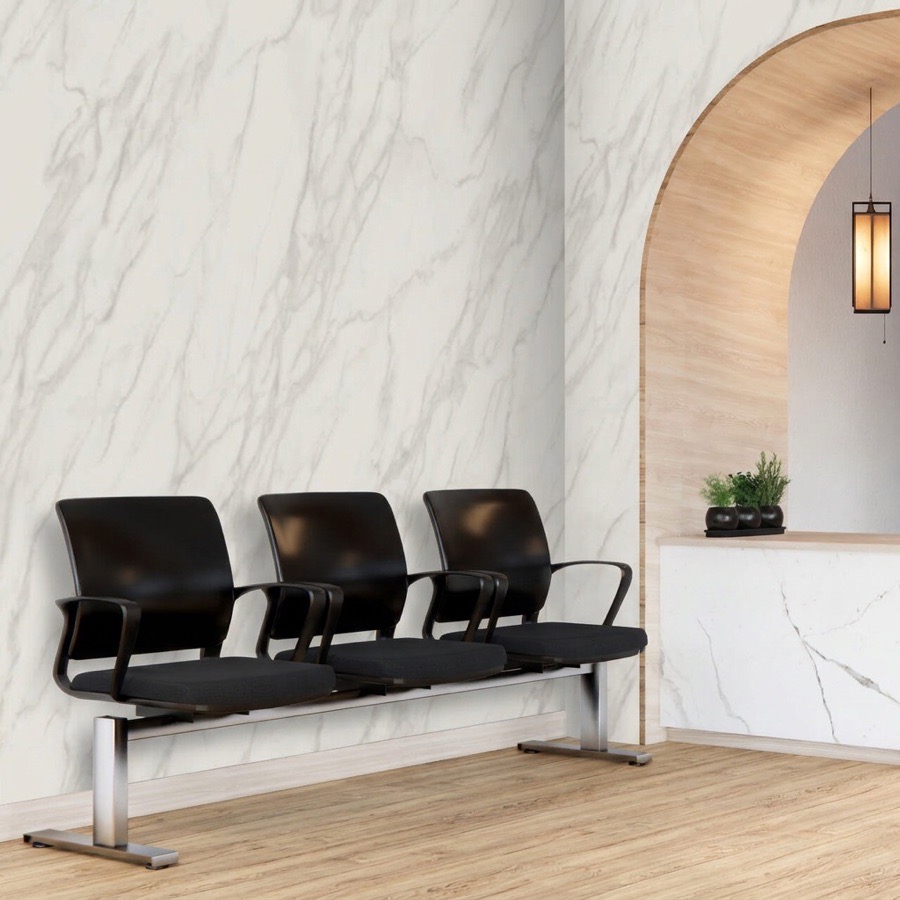
It did trace genuinely difficult shapes well. Arched doorways, chair legs, the gap between an arm and a torso. The failure was never “it cannot see the edges”. It was the cost of getting there and what happened after.
We go through that testing in detail in free segmentation vs generative AI for product previews.
What generative models changed
We compared three generative options on the same photos: the model Softbox now runs, a larger general image model, and a dedicated virtual try-on model built specifically for clothing.
The dedicated try-on model is purpose-built for clothing, so we expected it to win on clothing. It did not. Given a shopper wearing a sweater and asked to add a jacket, it replaced the sweater rather than layering the jacket over it, and in one of our runs it also changed the shopper’s trousers — an item nobody asked it to touch.
The Softbox model layered the jacket over the sweater and left the trousers, the face and the background alone. That behaviour — change the product, touch nothing else — turned out to matter more than any single measure of image quality. A try-on that silently restyles your customer is worse than no try-on, because the customer now distrusts the picture.
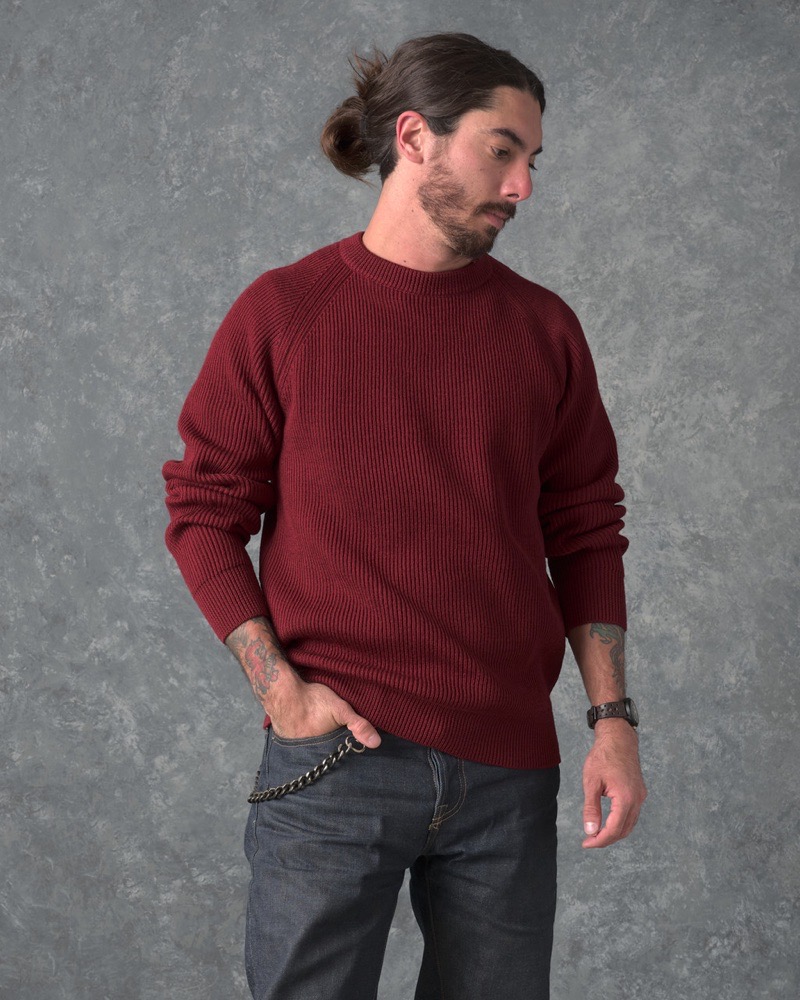
His photo
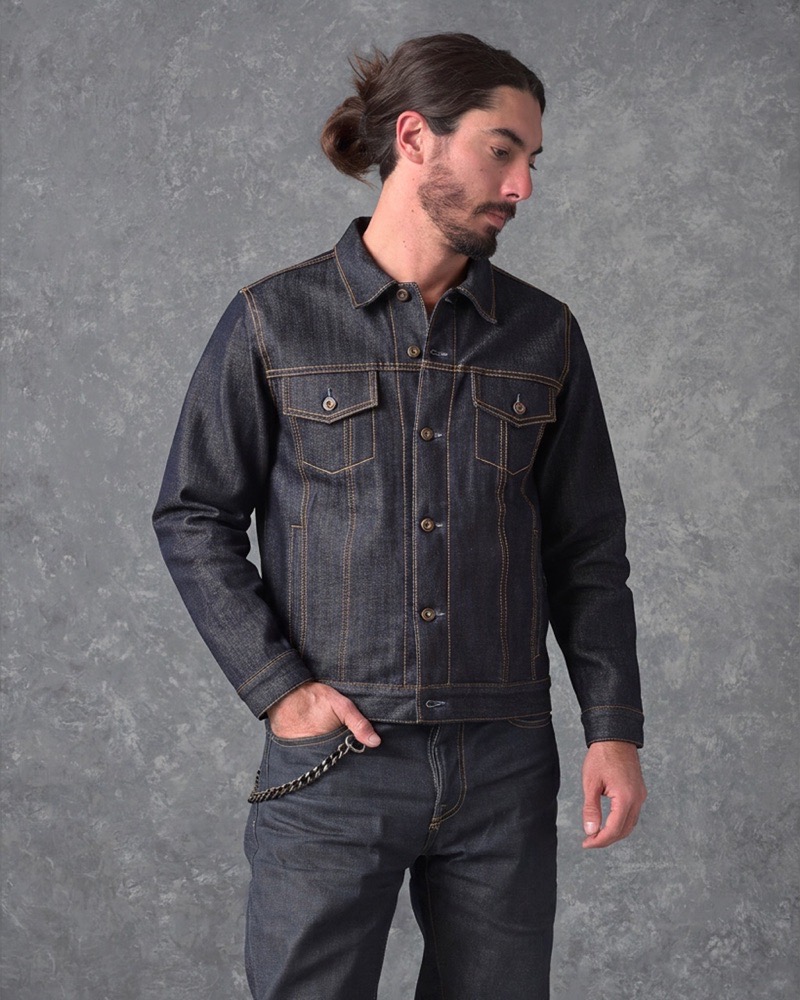
Dedicated try-on model
The jacket replaced his sweater
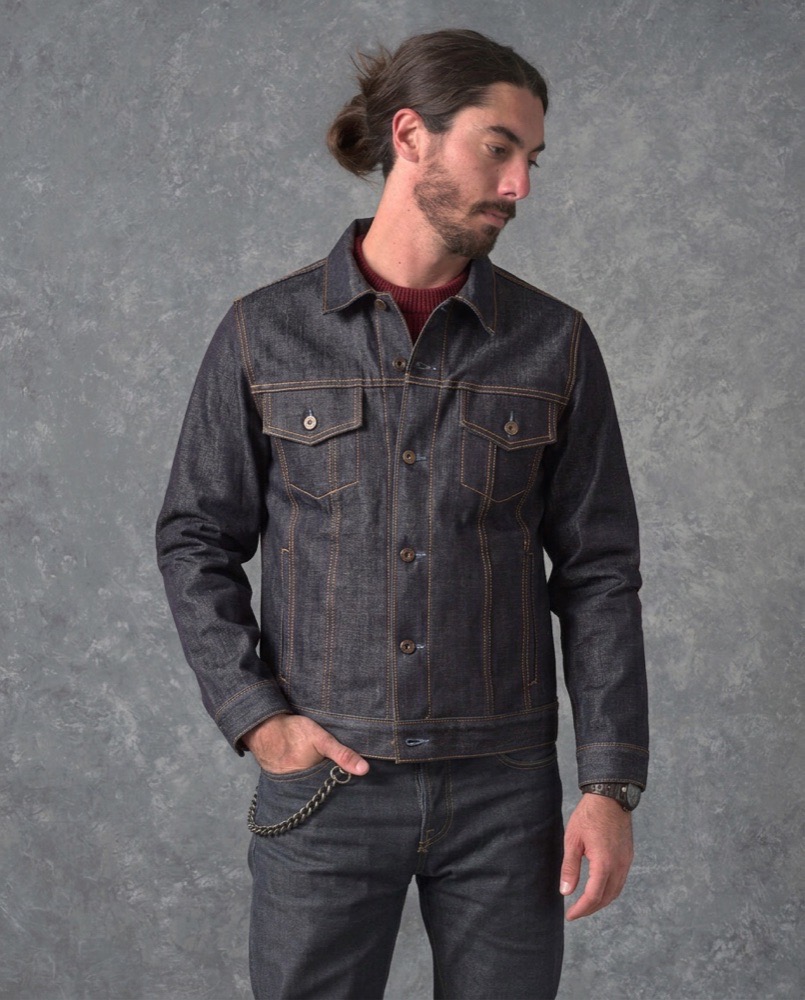
Softbox model
Jacket over the sweater, collar showing
It is also light enough to run that previews can be offered to every browsing shopper, not rationed to signed-in customers.
What to check before you choose one
Does it change only the product? Upload a photo of someone wearing layers. Ask for one more item. See what else moved. This single test separates the usable tools from the demos.
What does the shopper have to do? Every tap, marked corner and correction is a place people leave. The best result is one upload and a picture.
What happens on a bad photo? Real customers submit photos taken in dim hallways, at odd angles, with other people in frame. Test with those, not with studio shots.
Who pays for each preview, and what stops it running away? Every generated image costs the store something. If the tool has no spending limit, no way to block an IP range or a country, and no way to mark a good customer as always allowed, you are one bored visitor away from an unpleasant bill. We wrote about the controls we built for that.
Does it work for everything you sell? If you also sell non-apparel items, a clothing-only model means a second tool and a second integration later.
The honest limits
Virtual try-on shows a shopper what an item looks like on them. It does not measure them. It will not tell someone that a size M is tight across the shoulders, and it does not replace a clear size guide or a good returns policy.
It is also not a conversion machine with a guaranteed number attached. We have deliberately not published a figure for how much it lifts sales or cuts returns, because we have not run that study and the numbers you see quoted around the industry rarely survive a look at the source. We dug into what is actually documented in do virtual try-ons reduce returns?
Questions people ask
Does the shopper need a full-body photo?
A clear photo showing the area the garment covers works best. A head-and-shoulders photo is fine for eyewear or a scarf and poor for trousers.
Do we have to upload 3D models or special product images?
No. Softbox works from the product photography already on your listings.
How long does a preview take?
Usually under half a minute, generated on our servers. There is no large download before the shopper sees anything, which was one of the main problems with the browser-based approaches we tested.
Does it keep customer photos?
Shopper photos are used to produce the preview. Review any tool’s data handling and your own privacy policy before enabling a feature that accepts customer images.
Can we limit who gets previews?
Yes. Spending limits, blocking by IP range, country or email address, and a list of trusted customers who always get one.
Which platforms does Softbox support?
BigCommerce today, with Shopify next.