AI virtual try-on vs dedicated try-on models: a side-by-side test
If you are choosing a try-on tool, the reasonable assumption is that a model built specifically for clothing will beat a general image model at clothing. We assumed it too. We ran the test anyway, and the result sent us the other way.
- Published
- Reading time
- 5 minutes
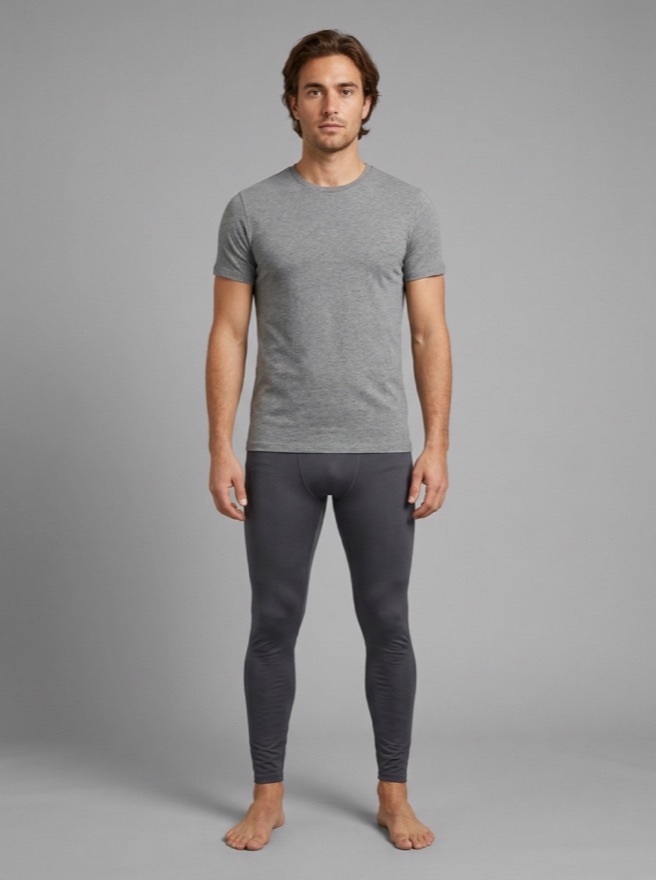
His photo
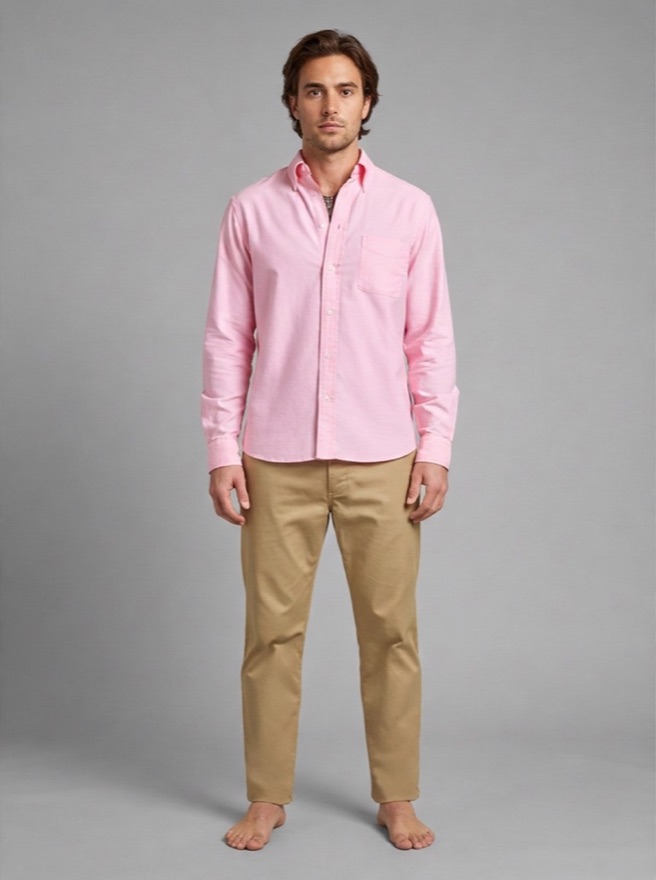
Dedicated try-on model
Swapped his trousers for khaki chinos
Softbox model
Changed the shirt and nothing else
This is that test: what we compared, what we asked for, and what each one did.
What we compared
Three options, given identical inputs — the same shopper photos, the same product images from a denim brand and a clothing supplier we were testing with.
- A dedicated virtual try-on model, built for exactly this job.
- The Softbox model, a general image model and the one Softbox now runs.
- A larger general image model, for comparison.
Before those, we had already tested and rejected two non-generative approaches — browser-side geometry and segmentation with Meta’s Segment Anything. Both are covered in what we learned building a product preview tool.
The test that decided it
We gave each model a photo of a shopper already wearing a sweater, plus a jacket from the catalogue, and asked for the jacket on the shopper.
This is not an exotic request. It is what happens whenever someone browses outerwear while dressed, which is to say always.
The dedicated try-on model put the jacket on, and replaced the sweater underneath it. In one run it also changed the shopper’s trousers — a garment that was not part of the request, was not in the catalogue image, and belonged to the customer.
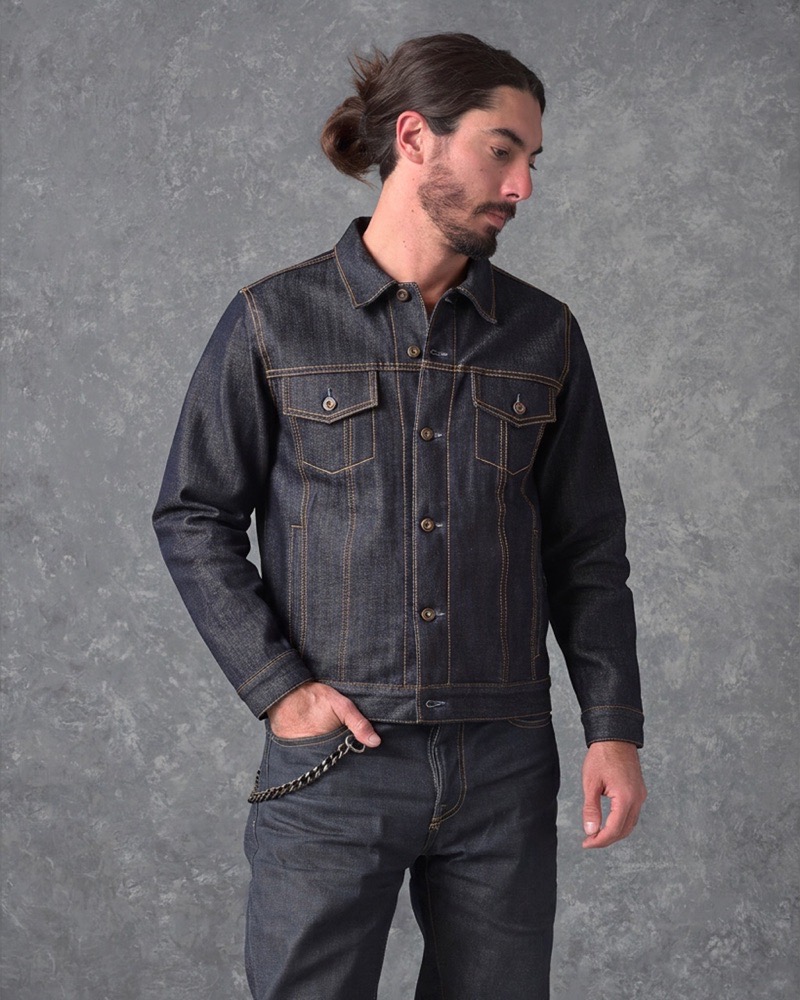
The Softbox model layered the jacket over the sweater. The sweater stayed. The trousers stayed. The face stayed. The background stayed.
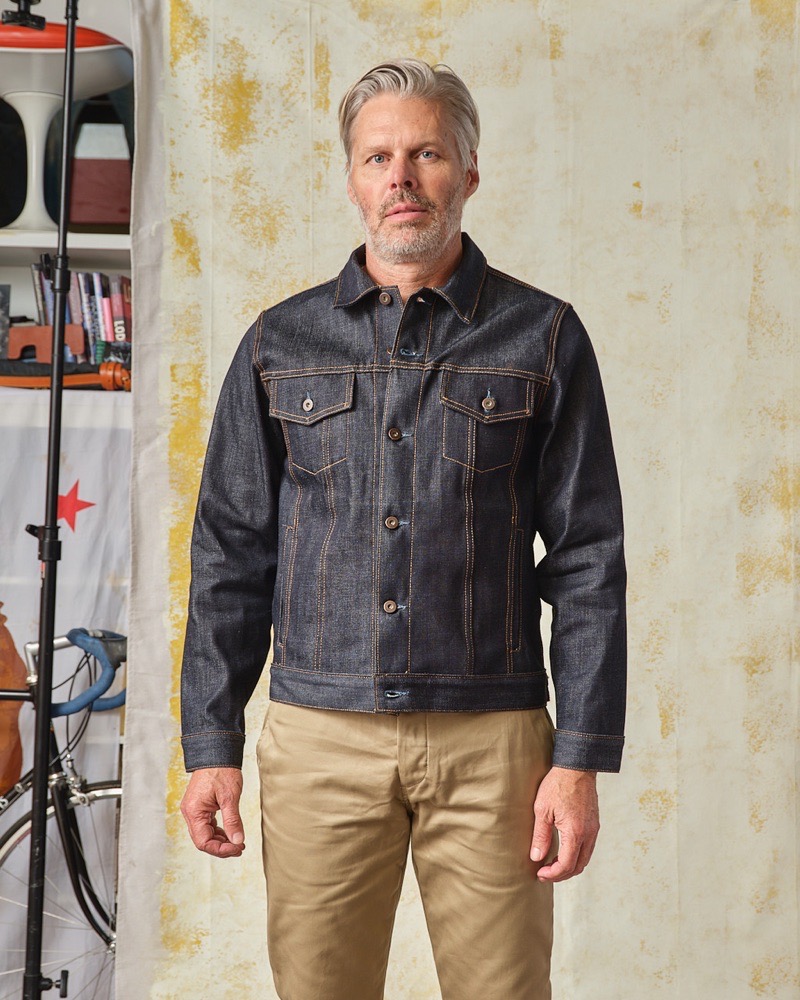
The product photo
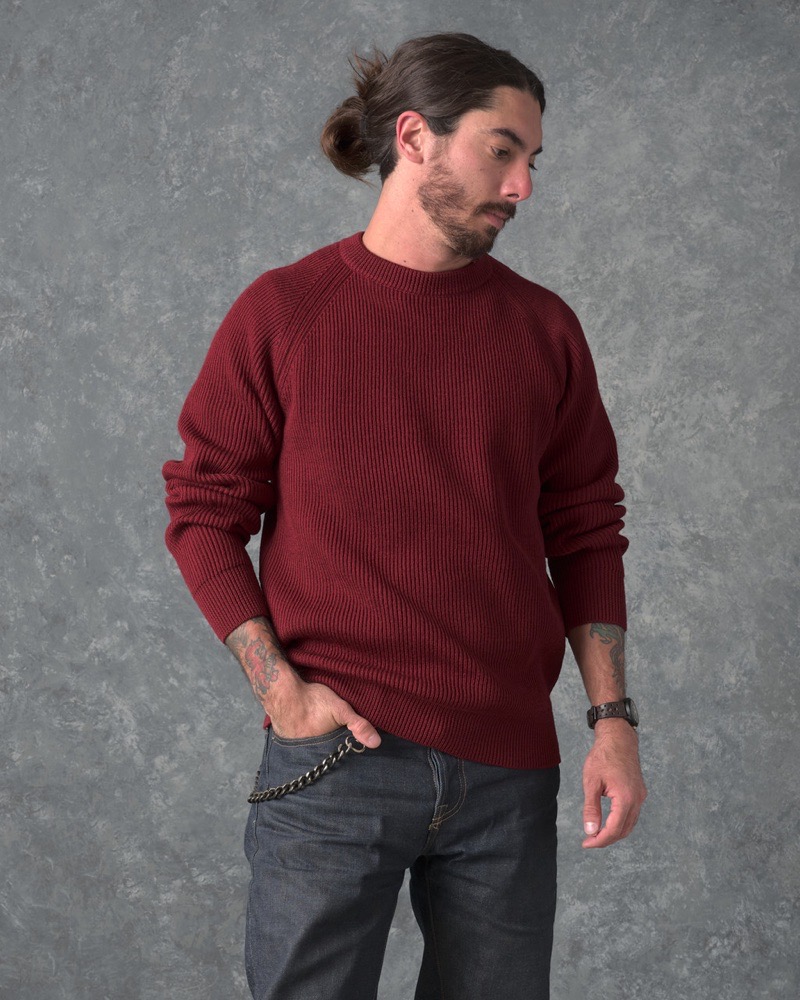
The shopper
Dedicated try-on model
Sweater gone, jacket in its place
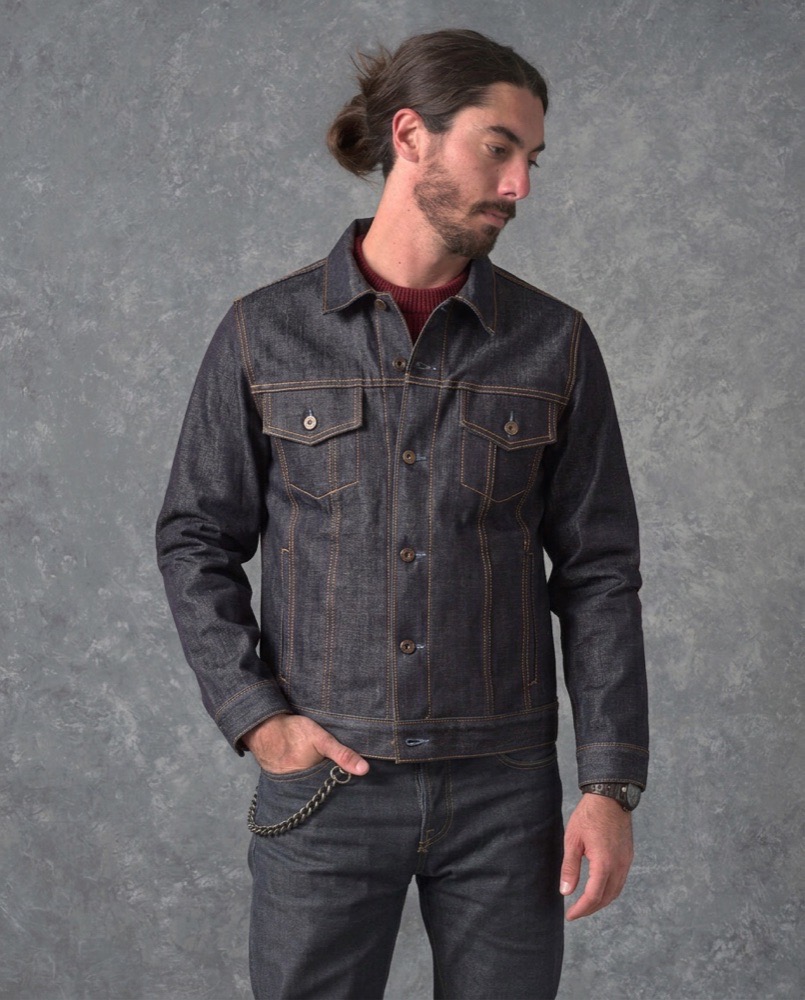
Softbox model
Jacket layered over the sweater
That is the whole finding, and it decided the product.
Why “what else changed” matters more than image quality
It is easy to score these tools on realism — does the fabric fall correctly, is the lighting plausible. Both models did acceptably there.
The measure that turned out to matter is narrower: did it change anything it was not asked to change?
A try-on preview is a claim your store is making to a customer: this is what this item looks like on you. If the picture also quietly restyles their trousers or removes the top they are wearing, the claim is false in a way they can see. They do not file a bug report. They decide the feature lies and they stop using it, and some of them extend that judgement to the store.
A model that is slightly less photogenic but strictly obedient is the better product. That was not the trade-off we expected to be making.
| Dedicated try-on model | Softbox model | Larger general model | |
|---|---|---|---|
| Layers a jacket over a sweater | No — replaced the sweater | Yes | Yes |
| Left unrelated clothing alone | Changed the trousers in one run | Yes | Yes |
| Left face and background alone | Yes | Yes | Yes |
| Works on non-clothing products | No | Yes | Yes |
Before and after
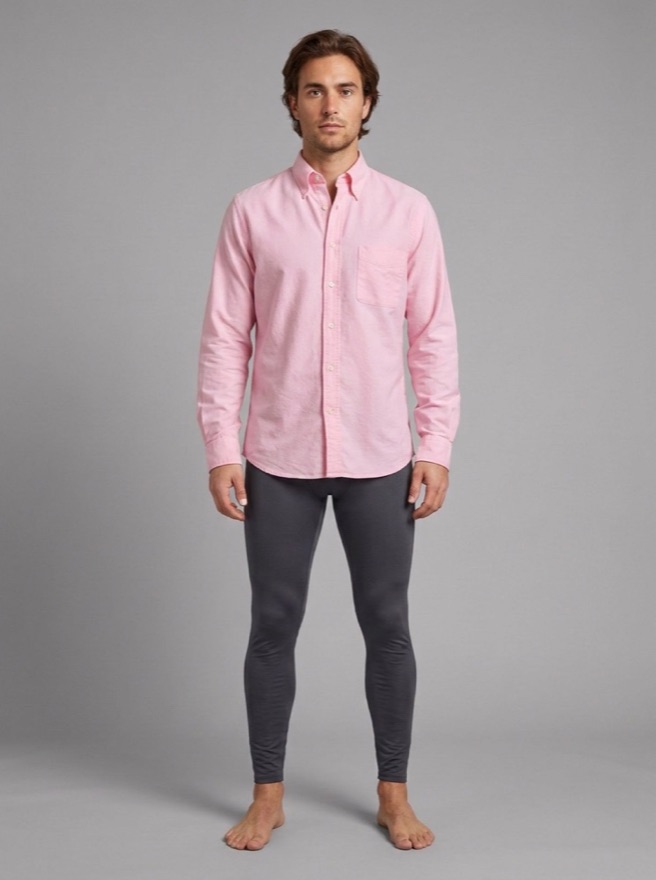
Every picture here started as one plain photo of a person. Only the garment was asked for. Everything else should come back exactly as it went in.
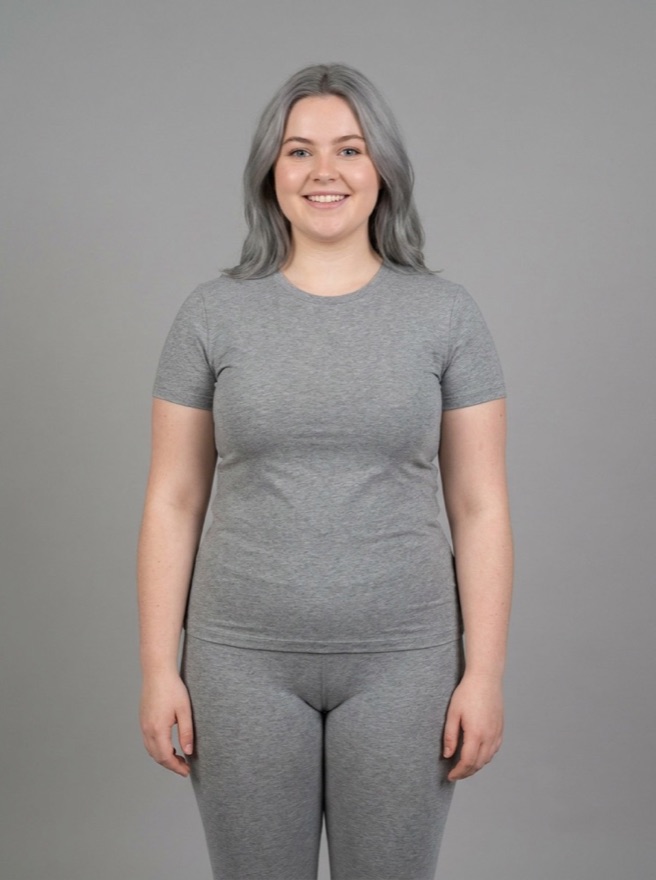 Original
Her photo
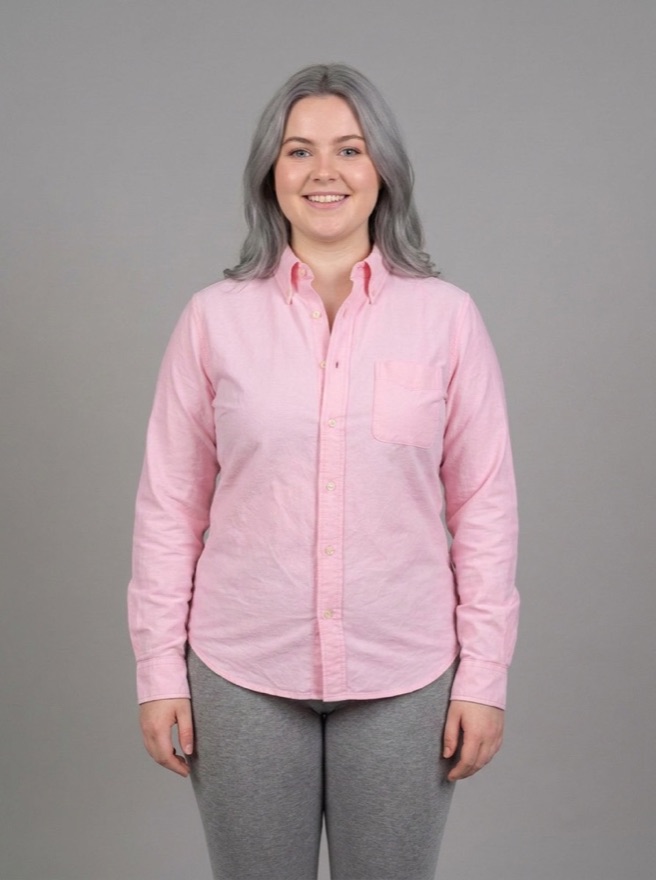
Oxford shirt
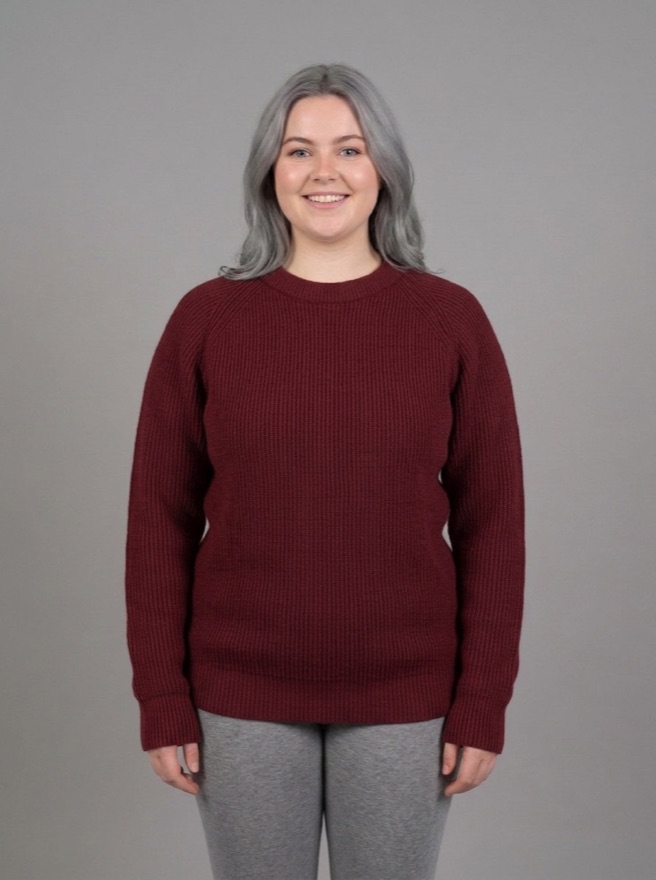
Wool crewneck
OriginalHis photo
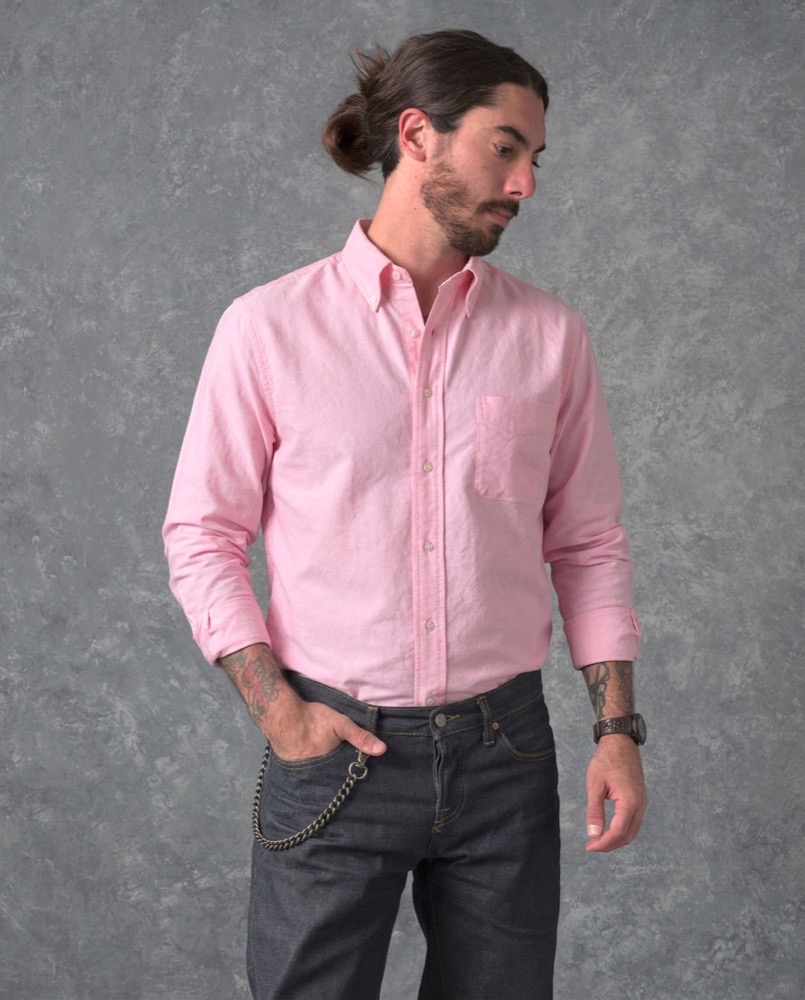
Oxford shirt
Denim jacket
Look at what did not change. That is where the approaches separate.
Where the two general models differed
The Softbox model and the larger general model produced broadly comparable clothing results. The larger one did make one styling choice on its own, wearing a jacket open that the product photo shows buttoned. We could not otherwise tell their output apart, so we chose the lighter of the two to run.
For a feature you intend to give away to anonymous browsing shoppers, that is the difference between “offer it on every product page” and “offer it to signed-in customers only”. We kept previews open to every shopper, with store-side spending controls instead of a paywall.
One model for three product types
The unexpected benefit of not using a clothing-specific model is that the same engine handles everything else we needed.
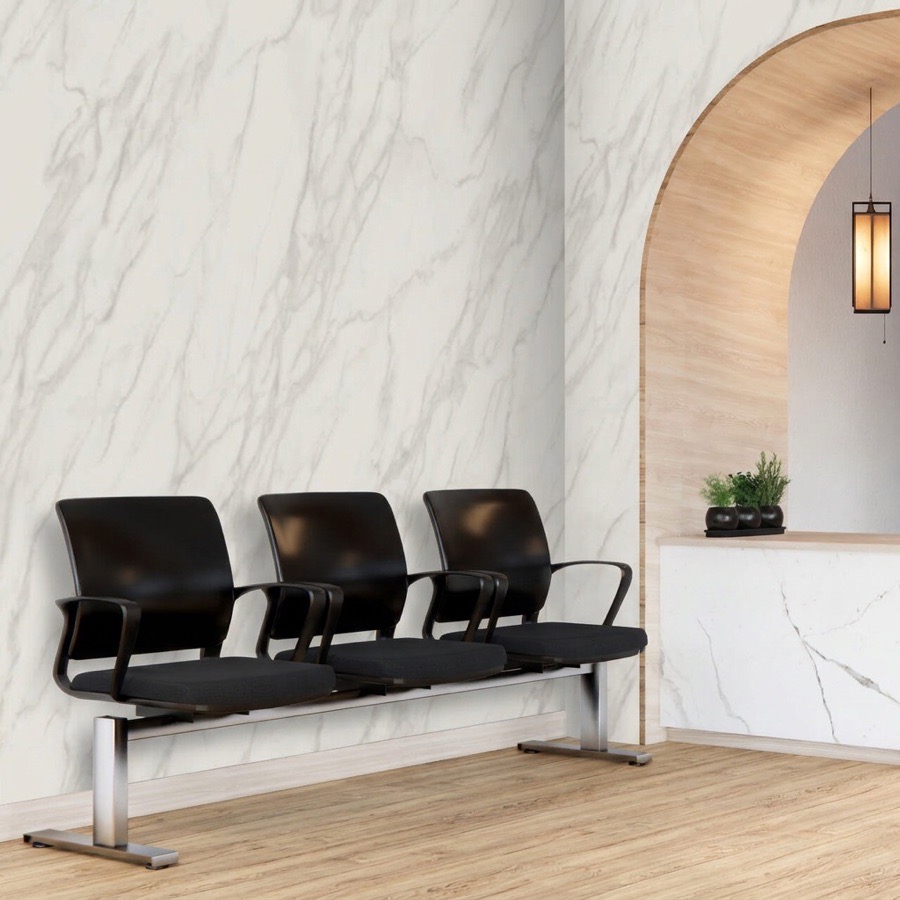
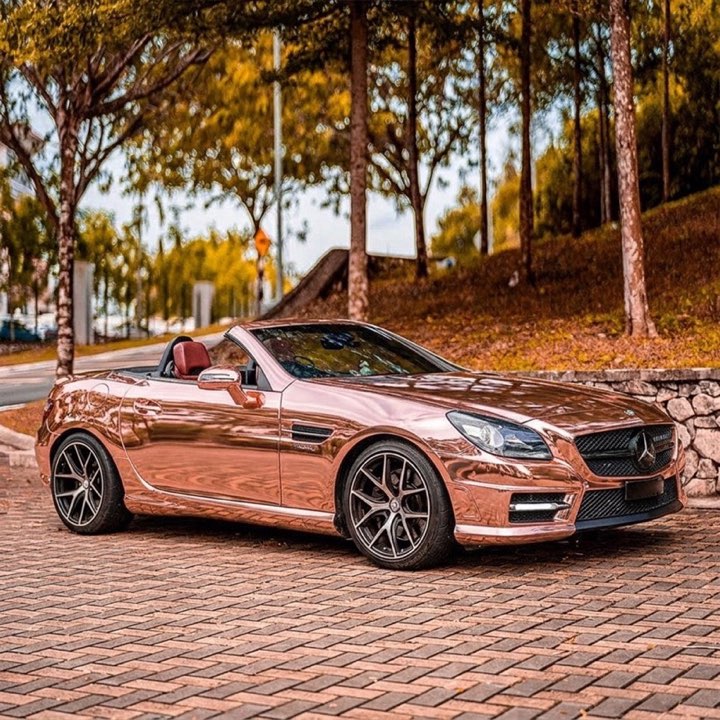
Softbox previews clothing on a shopper’s photo, wall film and wallpaper on their own wall, and vinyl wraps on their own car. All three run through one image model. There is no separate clothing pipeline, no separate wall pipeline, and no second integration when a store sells more than one kind of thing.
That also means the hardest cases in the other categories — chrome and colour-shift car wraps, which defeated every non-generative method we tried — are handled by the same thing that layers a jacket correctly.
What we did not test
We have not benchmarked these models on phone hardware, measured generation speed across devices, or run a study on whether try-on changes conversion or return rates in a live store. Those numbers would be useful. We do not have them, so we are not publishing them.
What we can say is what each model did with identical inputs, which is above and linked.
Questions people ask
Is a purpose-built try-on model always worse?
No. It was worse at the specific thing we needed — layering onto what the shopper is already wearing without altering the rest. On a plain photo with a single garment, it performed well.
Does the general model understand clothing?
It behaves as though it does: fabric drape, fit and occlusion were plausible across the garments we tested. We are describing observed output, not what the model knows.
Can the shopper tell it is generated?
On close inspection, often yes. The aim is an accurate impression of fit and colour, not a photograph the customer mistakes for real.
What about accessories and footwear?
Items that sit on a clearly visible part of the body work best. Very small items and anything largely hidden by the pose are the weakest cases.
How many previews can one shopper run?
Whatever you set. Per-customer caps, IP range and country blocks, and spending limits are all store-controlled — see stopping AI preview abuse.