Free segmentation vs generative AI for product previews: what we learned building one
We set out to let a shopper upload a photo and see a product on it — a garment on themselves, wall film on their wall, a vinyl wrap on their car. We tested eight configurations across four families of approach before settling on one engine for all three.
- Published
- Reading time
- 5 minutes
Geometry in the browser
Segmentation in the browser
Segmentation on a server
Softbox model
This is the whole account, including the simpler approaches we abandoned anyway.
Family one: do it with geometry, for free
The first version uses no machine learning. The shopper drags four corners to mark a flat surface. The product image is warped into that quadrilateral. The brightness of the original surface is sampled and multiplied back over the top, so the new material inherits the room’s existing shadows and highlights.
It is free per preview and instant. On a well-lit wall with some tonal variation, it is genuinely convincing.
Geometry in the browserThe pattern runs over the radiator
Softbox modelThe radiator stays in front of the wall
It failed in two specific places.
Pale rooms. The light-borrowing depends on variation in the original surface. A bright white wall has almost none, so the result came out flat and pasted-on.
Objects the same colour as the wall. A white radiator on a white wall, a cream sofa against cream. The maths cannot tell them apart from the wall, so the pattern ran straight across them.
It also asks the shopper to do work. Four corners is four chances to leave.
Family two: Segment Anything
If the problem is that the software does not know where the surface ends, use a model that does. We ran Meta’s Segment Anything (SAM), first in the browser, then on a server.
SAM is good at the thing it is for. It traced arched doorways. It traced chair legs in front of a wall and held the pattern behind them. The outlines were not the problem.
In the browser, it meant roughly a 30 MB download before the shopper saw anything at all.
On a server, the download went away and became a wait: about 8 to 95 seconds per photo depending on the image.
Either way, it was wrong often enough that the interface needed a way for shoppers to tap and correct the mask.

The customer's photo

Segment Anything and recolour
Film over the ornament

Softbox model
Ornament left in front
At that point the customer has stopped shopping and started doing quality control on your software.
Family three: segmentation plus recolour, for cars
For vehicle wraps, segmentation had an elegant trick available. Isolate the car, then change hue and gloss response inside the mask while leaving the original photograph’s light and shadow intact. Nothing is invented, so nothing can be hallucinated.
For gloss, satin and matte wraps this produced believable results cheaply.

The customer's photo

Segmentation and recolour
Flat colour

Softbox model
Chrome that reflects the street
It could not do chrome or colour shift. A chrome wrap is a mirror — its colour is the car park reflected in it. A colour-shift wrap is a different hue on the same panel depending on angle. Recolouring inside a mask produced flat paint and a single flat hue respectively. Those are the premium lines in most wrap catalogues, so the method worked on the cheap stock and failed on the profitable stock. The full account is in the car wrap visualizer post.
Family four: generative image models
We tested three: the model Softbox now runs, a larger general image model, and a dedicated virtual try-on model.
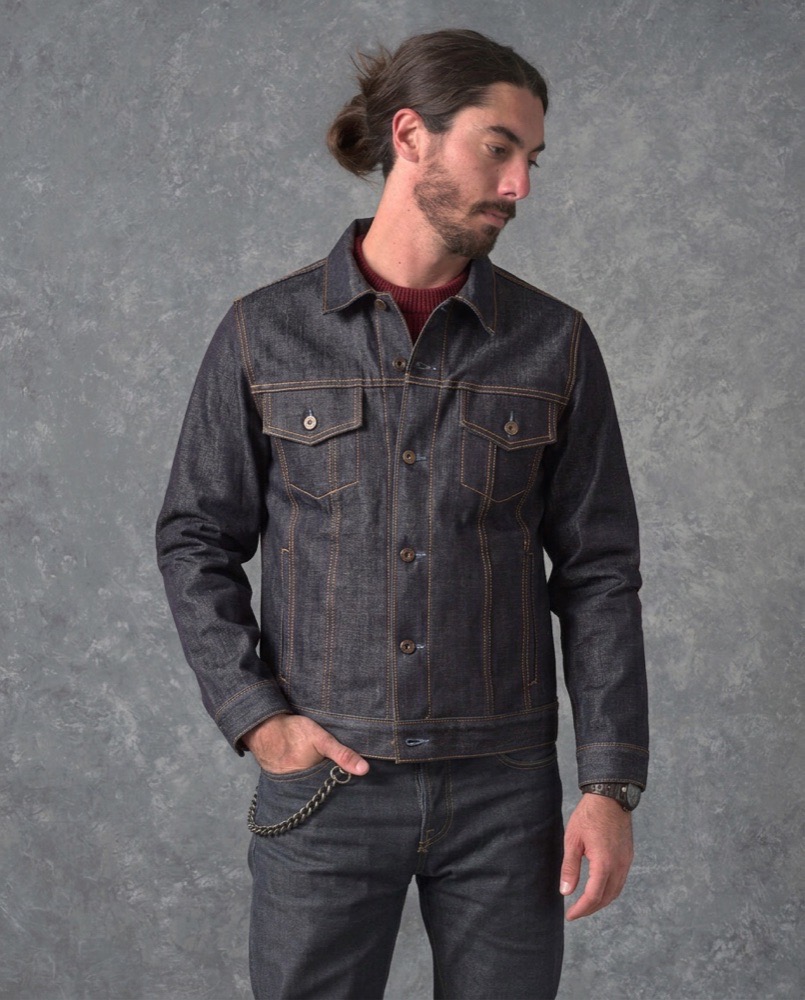
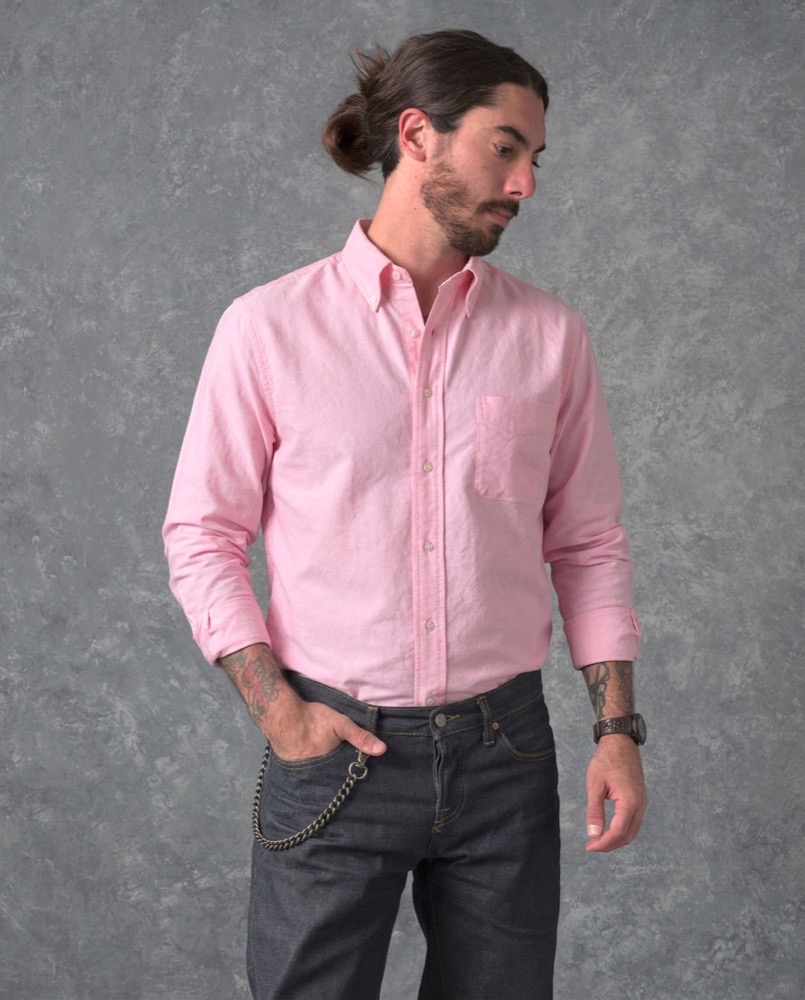
The dedicated try-on model, built specifically for clothing, lost on clothing. Asked to add a jacket to a shopper wearing a sweater, it replaced the sweater, and in one run changed the shopper’s trousers. Full comparison in AI try-on vs dedicated try-on models.
The Softbox model looked real on every product type we threw at it, including chrome and colour-shift wraps. It changed only the product and left the face, the rest of the outfit, the furniture and the car alone.
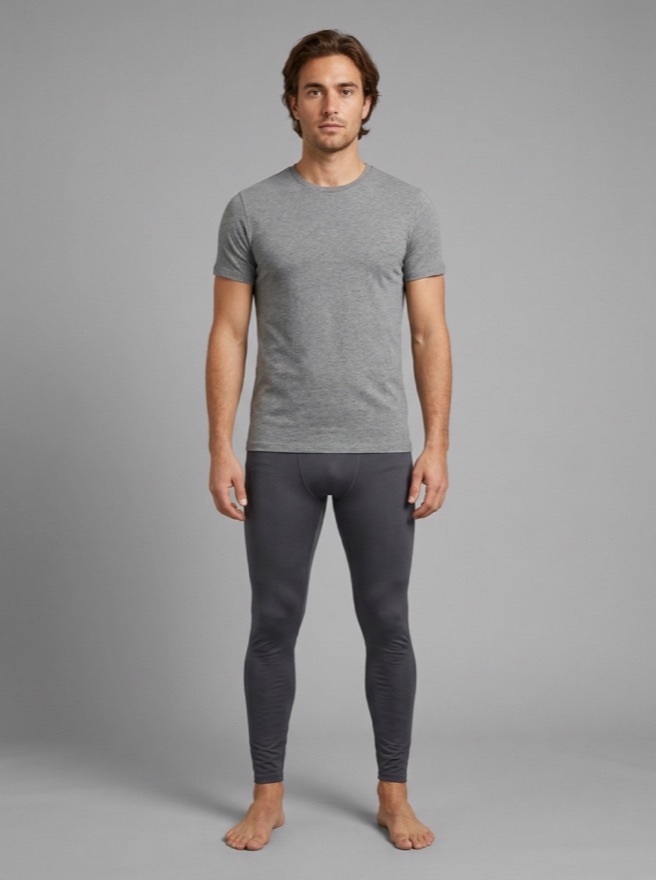
His photo
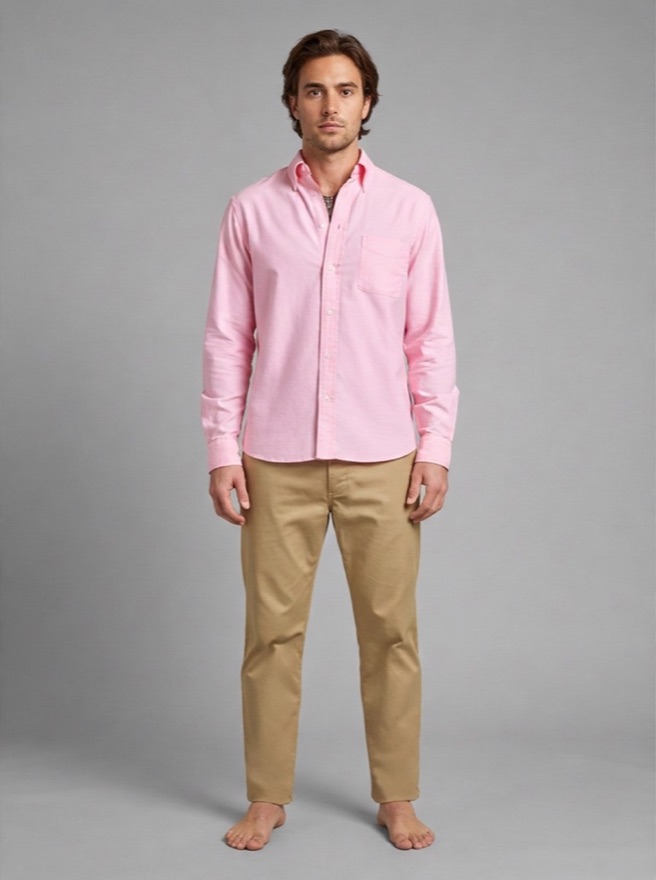
Dedicated try-on model
Trousers replaced
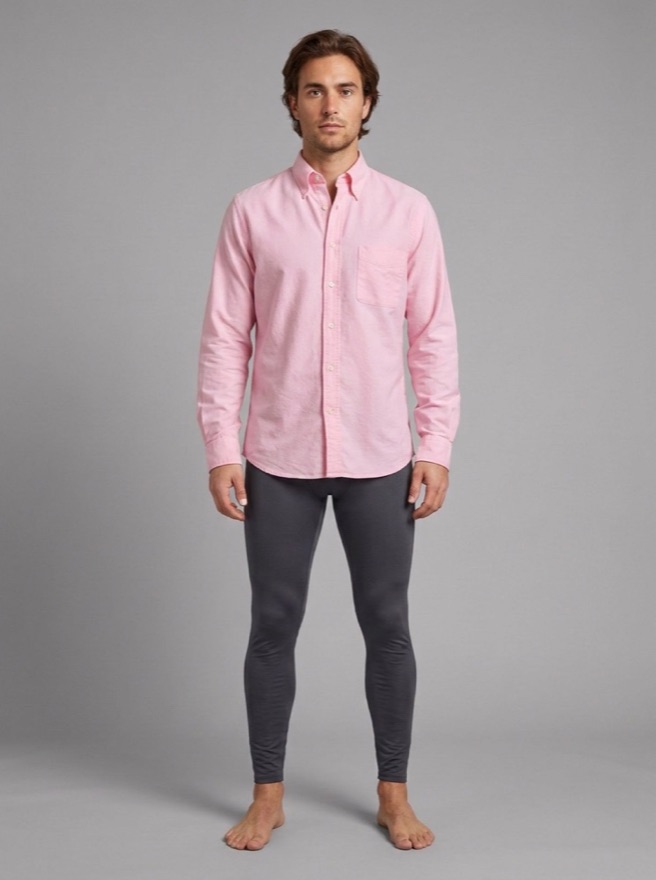
Softbox model
Only the shirt changed
The larger general model produced comparable quality, with small inventions of its own: a number plate one car did not have, a jacket worn open that the product shows buttoned. It was also the heavier of the two to run, which settled it.
Everything, in one table
| Browser geometry | SAM in browser | SAM on server | SAM + recolour | Generative | |
|---|---|---|---|---|---|
| Before the shopper sees anything | Instant | ~30 MB download | 8–95 seconds | 8–95 seconds | Usually under half a minute |
| Shopper input required | Four corners | Taps to fix | Taps to fix | Taps to fix | Upload only |
| Pale, flat rooms | Fails | Handled | Handled | n/a | Handled |
| Object matching wall colour | Fails | Handled | Handled | n/a | Handled |
| Chrome / colour-shift wraps | No | No | No | Fails | Handled |
| Layered clothing | No | No | No | No | Handled |
| One engine for all product types | No | No | No | No | Yes |
What we actually learned
Free is not cheap if the customer pays in effort. The geometry version costs nothing per preview and asks the shopper for four corners and a tolerance for mistakes. That is a real price, charged to the person you are trying to sell to.
Good segmentation does not equal a good preview. SAM found the edges. Finding the edges was never the hard part — delivering a result fast enough, without a download, without corrections, was.
The decisive test was obedience, not realism. The question that separated the generative models was not “how photoreal is it” but “what else did it change”. A preview that quietly alters your customer’s trousers or wheels is making a false claim they can see.
Specialised does not beat general here. The clothing-specific model was the one that mishandled clothing.
What it takes to run shapes the product. A heavier model would have meant gating previews behind a login. We chose the lighter one and kept previews open to every visitor, with store-side spending controls instead of a paywall.
What we did not measure
No phone-speed benchmarks, no conversion lift, no return-rate change from our own data. We ran an engineering comparison on identical inputs, and that is all the above claims to be.
Questions people ask
Is Segment Anything a bad choice for ecommerce?
No. It is a strong model that did not fit this job. For offline work — batch background removal, cataloguing, anything without a customer waiting — the constraints that ruled it out here do not apply.
Could you combine the approaches?
We tried. Geometry for easy photos, generative for hard ones needs something to classify “hard”, and getting that wrong is worse than always using the slower path.
Why one engine for three product types?
Fewer moving parts, one integration, and the hardest cases in each category turned out to need the same capability.
Are the demo pages running the real thing?
The non-AI demos are the actual browser geometry and recolour implementations. The comparison pages show output from the models described.
Do you run anything in the shopper’s browser now?
No heavyweight model. The download requirement was one of the things that ruled that path out.